
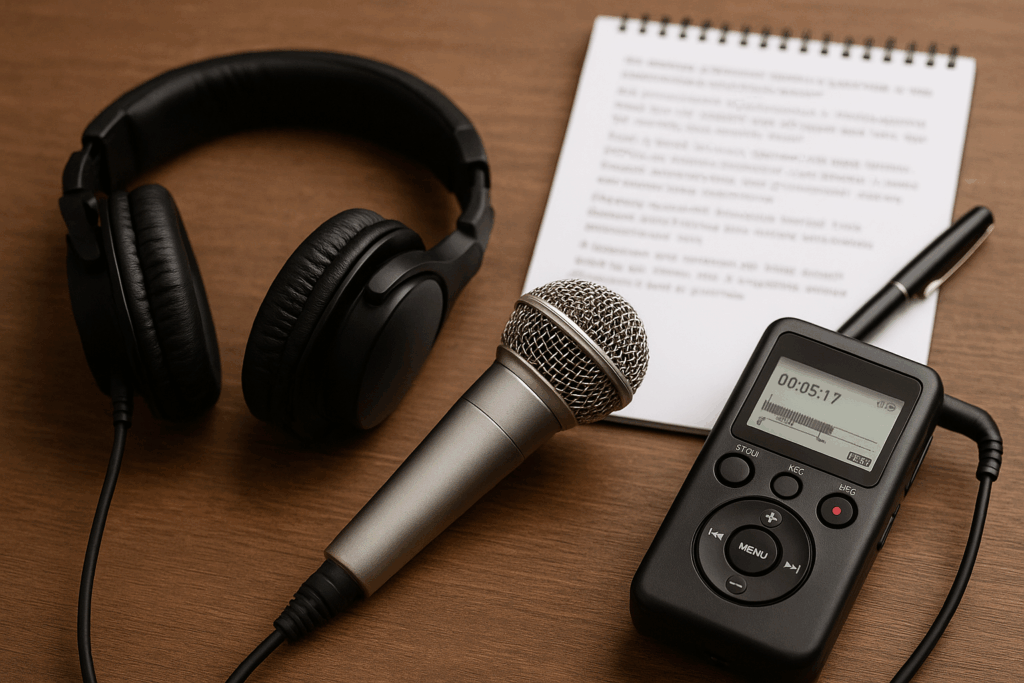
The good news? With a few smart adjustments, you can dramatically improve the clarity of your recordings. Whether you’re capturing a business meeting in a conference room, a podcast interview in a studio, or a Zoom call from your home office, these audio recording tips will help ensure your transcripts are reliable, error-free, and ready to use.
Here are five proven ways to improve your audio and boost transcription accuracy.
1. Choose the Right Recording Environment
Your environment is the foundation of every good recording.
- Find a quiet space. Avoid rooms near traffic, construction, or HVAC systems. Background noise makes it harder to produce accurate transcripts.
- Minimize echo. Large, empty rooms often create reverb. Soft furnishings like rugs, curtains, or upholstered chairs can absorb sound and make voices clearer.
- Prevent interruptions. Place a “Do Not Disturb” sign on the door or let colleagues know you’re recording.
Even small changes—like shutting a window or moving away from a noisy fan—can make your recordings much easier to transcribe.
2. Use High-Quality Microphones
If you’re still relying on your laptop’s built-in mic, it’s time for an upgrade. A dedicated microphone is one of the simplest ways to improve audio quality for transcription.
- USB or podcast microphones deliver crisp sound for individuals or small groups.
- Conference microphones capture multiple speakers equally, ensuring no one’s voice gets lost.
- Headset microphones are great for remote workers, keeping audio consistent no matter where you’re sitting.
Position the microphone 6–12 inches away from your mouth (or centered on the table in meetings). Keep it away from projectors or laptops to avoid fan noise.
Investing in a good microphone now will pay off in more professional, accurate transcripts later.
3. Eliminate Background Noise and Interference
Background noise is the enemy of clear audio recordings. Here’s how to keep it under control:
- Mute devices. Silence phones and disable notifications on laptops or tablets.
- Avoid paper shuffling and typing. These sounds can overpower voices on a recording.
- Check wireless channels. If you’re using wireless microphones, make sure they’re interference-free.
For larger meetings, assign someone to monitor audio conditions—reminding participants to avoid side conversations or to mute themselves when not speaking on virtual calls. This proactive approach goes a long way toward transcription accuracy.
4. Encourage Clear Speaking Habits
Even the best equipment can’t fix unclear speech. To improve transcription quality, set expectations before you start recording.
- One speaker at a time. Overlapping voices are nearly impossible to capture accurately.
- Speak clearly and at a steady pace. Avoid mumbling or trailing off.
- Identify participants. Have each person say their name at the start to help with speaker labeling.
- Clarify important details. Spell out acronyms, names, or numbers to ensure they appear correctly in your transcript.
A quick reminder—“Let’s speak clearly so the transcript is accurate”—sets the tone and saves time later.
5. Test and Monitor Before You Record
A few minutes of testing can save hours of editing.
- Run a sample recording. Play it back to check clarity, background noise, and volume levels.
- Adjust your settings. Record at a minimum of 44.1 kHz/16-bit for speech clarity.
- Monitor live audio. Use headphones to catch issues like static, hum, or low voices in real time.
- Back up your recording. Always have a secondary device running, just in case.
Testing is one of the most overlooked but most effective audio recording tips for ensuring accuracy.
Final Thoughts
High-quality transcripts depend on high-quality recordings. By choosing the right environment, using reliable equipment, reducing noise, encouraging clear speaking, and testing your setup, you’ll dramatically improve transcription accuracy.
Whether you’re preparing meeting notes, capturing interviews, or documenting virtual events, following these steps ensures your professional transcripts are clear, accurate, and ready to use. Remember: the clearer the audio, the fewer errors you’ll need to correct—and the more value you’ll get from your transcription service.
